
Remote Desktop Web Client customization
The HTML5 Web Client lets users open apps and desktops in any browser with nothing to install. We make it look like your company and work the way your users expect.
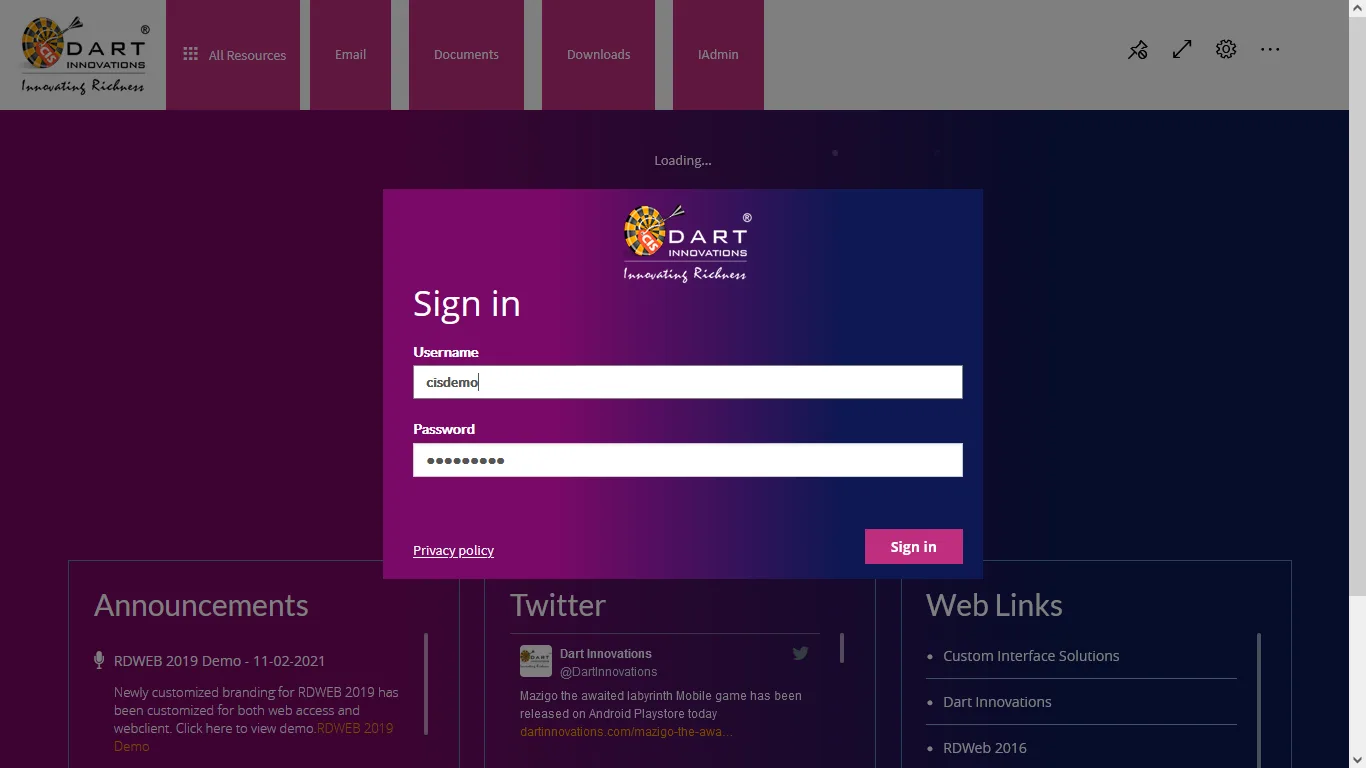
The Remote Desktop Web Client is an add-on for Remote Desktop Services, available from Windows Server 2016. It runs RemoteApps and desktops directly in the browser using HTML5, so users need no client at all. It needs to be installed and published separately; our step-by-step guide shows you how.
We offer the same branding and custom features for the Web Client as for RD Web Access, including custom app icons, and we can build any new feature you need.
See the Remote Desktop Web Client demo
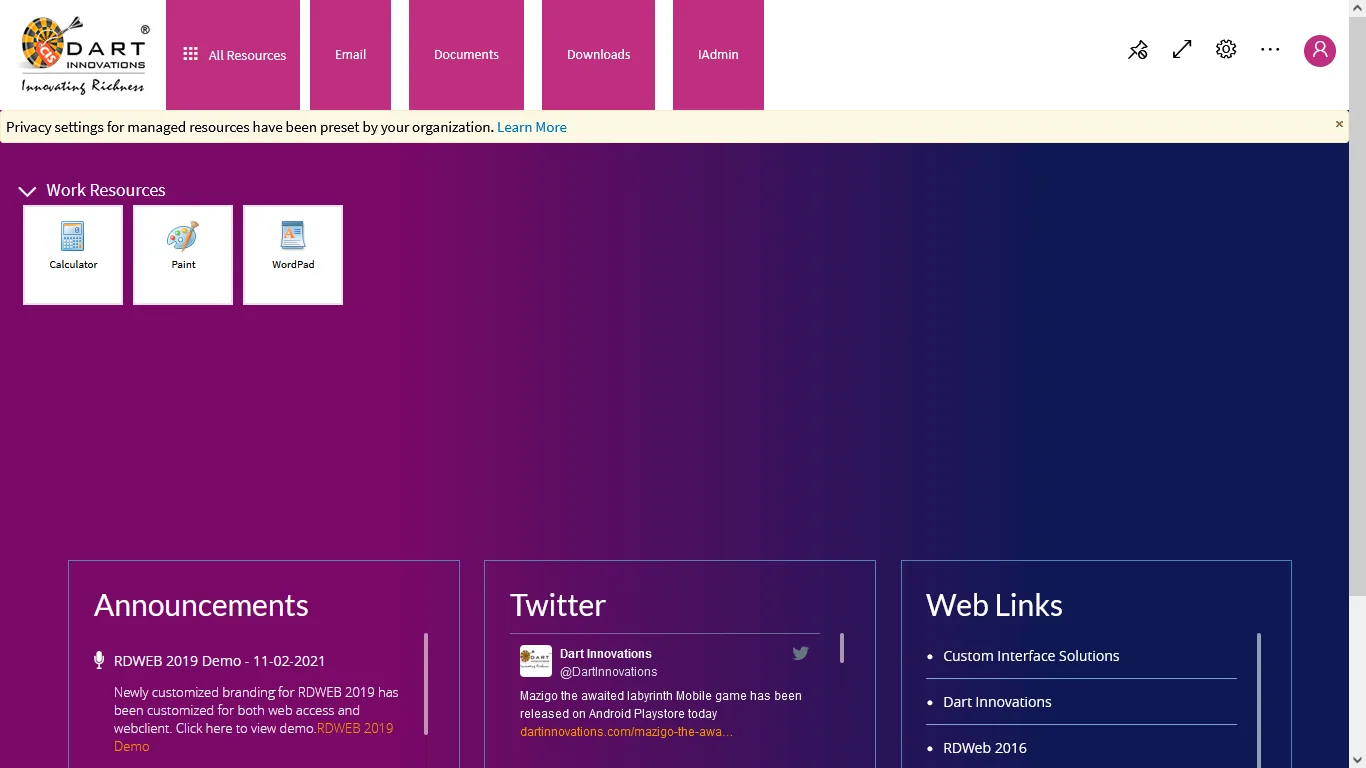
Features you can add to Remote Desktop Web Client
Pick the ones your users need. If you have an idea that is not on the list, we will build it.
My Folder
Users browse their network share from inside the portal and upload, download or delete files. Moving a file between a laptop and a remote session becomes a drag and a click. Call it My Files, Explorer or anything that suits your users.
Announcements
Post news, maintenance windows and alerts on the sign-in page, the app page or both. Publish, edit, schedule and retire messages from IAdmin, and target them by Active Directory group or OU.
Web links
Put company links, policies and support resources in front of users before and after they sign in. Manage the list from IAdmin and show different links to different AD groups or OUs.
Forgot password
A self-service reset on the sign-in page. Users verify who they are and set a new password without calling the help desk, following the reset flow they already know from the web.
Forgot username
Users who cannot remember their sign-in name verify their email address or phone number against Active Directory, and receive their username by email.
Password reset by admin
An IAdmin module that resets a user's password in one step, checks it against your AD password policy and emails the new password to the user. No need to open a domain controller.
Create AD users
Create Active Directory users from the browser with company, title, email and phone details, place them in the right OU and groups, and email them their credentials automatically.
Clear message for locked accounts
The standard sign-in error does not tell users their account is locked. We replace it with a specific message, such as "Your account is locked. Contact your administrator."
Active Directory profile
Show signed-in users their own details from Active Directory: last sign-in time, email, phone, title, department, company or any other attribute you choose.
Single sign-on to email
Users who are already signed in to the portal open Outlook on the web without signing in again. We can integrate the same single sign-on with other email systems.
Documents
Share handbooks, training material, user guides and reports with the people who need them. Admins upload, order and retire documents by AD group from IAdmin.
Downloads
Distribute client software, utilities and patches from inside the portal. Upload any file type in IAdmin and decide which groups can download it.
Videos
Publish training and onboarding videos from YouTube, Vimeo or your own streaming platform, shown to the AD users and groups you choose.
Sign-in widget
A compact version of the portal sign-in that you can embed in your website or intranet. It signs users in exactly like the full page.
reCAPTCHA and bot protection
Add Google reCAPTCHA v2 or v3, or a CAPTCHA provider of your choice, to the sign-in page and beyond. reCAPTCHA v3 also gives you traffic analytics and flags suspicious sign-in attempts.
Social feeds
Show your company's X (Twitter), LinkedIn or Facebook feed on the portal. The widget is configured from IAdmin.
RSS news feed
A compact news widget for the sign-in page or the app page. Point it at any RSS feed from IAdmin.
Your own widgets
Weather, clocks, status indicators, a help desk contact card. If it helps your users, we can build it into the portal.
IAdmin management portal
IAdmin ships free with every package that includes a custom feature. It runs as its own site where you manage announcements, links, documents, email templates and branding assets, reset passwords and create users. Its Web Encrypt/Decrypt tool encrypts the SQL and LDAP connection strings in your web.config. Need another module? We add it.
Recent Microsoft RDS projects
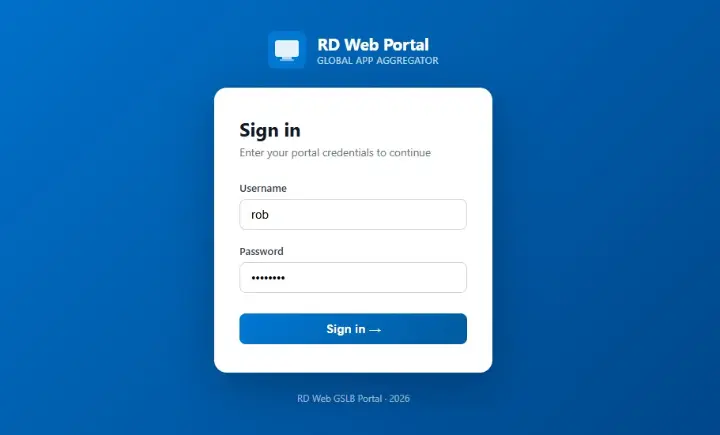
MS RDS – Apps Aggregation Portal
Multisite Apps Aggregation Portal for MS RD Web
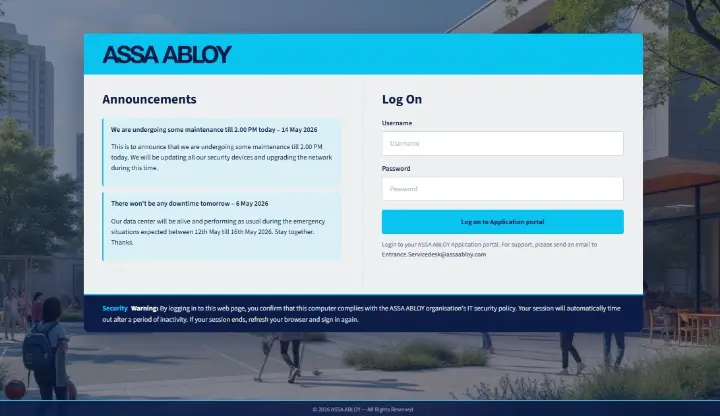
Assa Abloy – RD Web Access
Custom RD Web Access theme with Custom Features
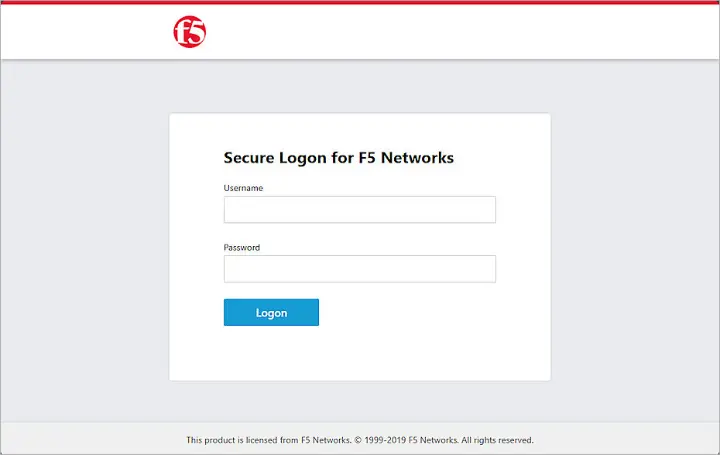
Big IP – RD Web Apps Filtering
Custom iRule snippet to display specific RDS apps via Big Ip
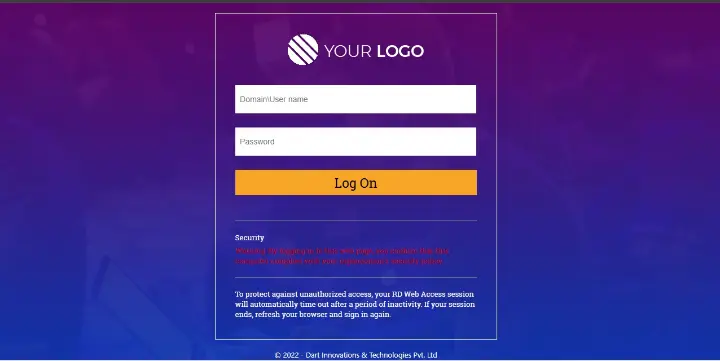
RD Web Access – Apps and Desktop Grouping
Custom solution for RDWeb to group Apps and Desktops into Separate Tabs
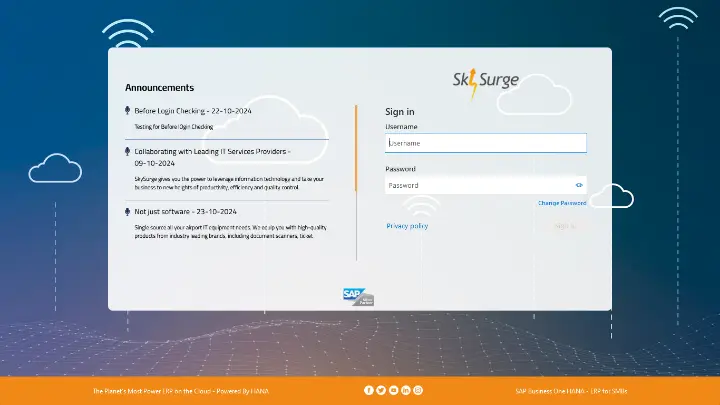
Skysurge – Microsoft RDWeb 2022 Webclient
Custom RDWeb webclient with custom branding and features
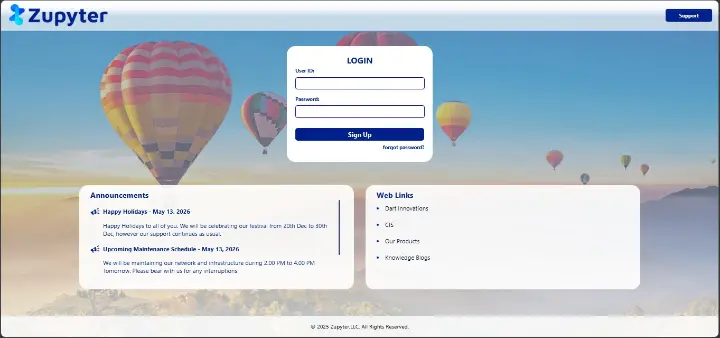
Zupyter – RD Web Access and WebClient
Custom RD Web Access and WebClient with Custom Features
Frequently asked questions
Which Web Client versions can you customize?
The Web Client on Windows Server 2016, 2019, 2022 and 2025, and we update existing customizations when Microsoft releases a new client version.
How long does a Web Client project take?
About a week for branding. Custom features can add a few days, and we confirm the timeline before we start.
Can I keep the Web Client and RD Web Access consistent?
Yes. Most clients choose our combined package so both portals share one design, one sign-in experience and one set of features.
Do I need SQL Server?
Only for custom features, and SQL Server Express is enough. Branding alone needs no database.
What your package includes
Installation guide
A clear, step-by-step guide your administrators can follow to apply the new interface in minutes.
Free remote installation
Prefer that we do it? We install the package with you over a remote session, at a time that suits you.
90-day bug-fix warranty
Anything that does not work as designed in the first 90 days is fixed at no cost, along with small tweaks.
Looking to customize Remote Desktop Web Client?
Tell us which portal you use and what you would like to change. We reply within one business day with ideas and a quote.