
Why DartRelay Stands Out from Other Remote Application Delivery Products
Remote application delivery is a crowded market. Citrix, Parallels RAS, VMware Horizon, Azure Virtual Desktop, Microsoft RDS and a long list of smaller tools all promise to put Windows applications in front of users wherever they are. On a feature checklist they can look very similar.
The differences show up later: when you deploy the platform, patch it, brand it, add your second customer, or open your renewal invoice. We built DartRelay after twenty years of customizing and supporting these products for our clients, and we designed it around the problems we kept seeing. Here is what makes it different.
1. Truly agentless
Most remote application delivery platforms work by installing their own agent on every session host: a VDA, a RAS agent, a Horizon agent or an AVD agent. Every agent has to be deployed, kept at a compatible version, and debugged when it misbehaves after a Windows update.
You install nothing on your hosts. The DartRelay server connects to Windows desktops and Windows Servers over standard RDP and streams the session to the browser. Adding a host means entering its name and a management account; DartRelay checks it is ready, lists the installed programs so you can publish them, and can install the Remote Desktop Session Host role for you. When you retire a host, there is nothing to uninstall. (The one optional helper, a small Files Agent for native file dialogs, is deployed and updated by DartRelay itself, and only on hosts that use that feature.)
2. One server instead of a farm of roles
A traditional deployment spreads the work across a broker, a web portal, a gateway, a licence server and a database, often on separate machines. DartRelay brings the user portal, the administrator console, access decisions and the session relay together in one service that runs on Windows or Linux. Small sites can start with a built-in SQLite database; larger ones can use SQL Server, MySQL or PostgreSQL.
Fewer moving parts means faster deployment, fewer upgrade surprises and less specialist knowledge needed to keep it running.
3. Nothing for users to install
Users open a web address, sign in and click an application. It opens in a new tab inside the portal. There is no client to download, no VPN profile to configure and no plug-in to approve, which makes DartRelay ideal for contractors, remote staff and anyone working on a device you do not manage.
4. Branding and customization without limits
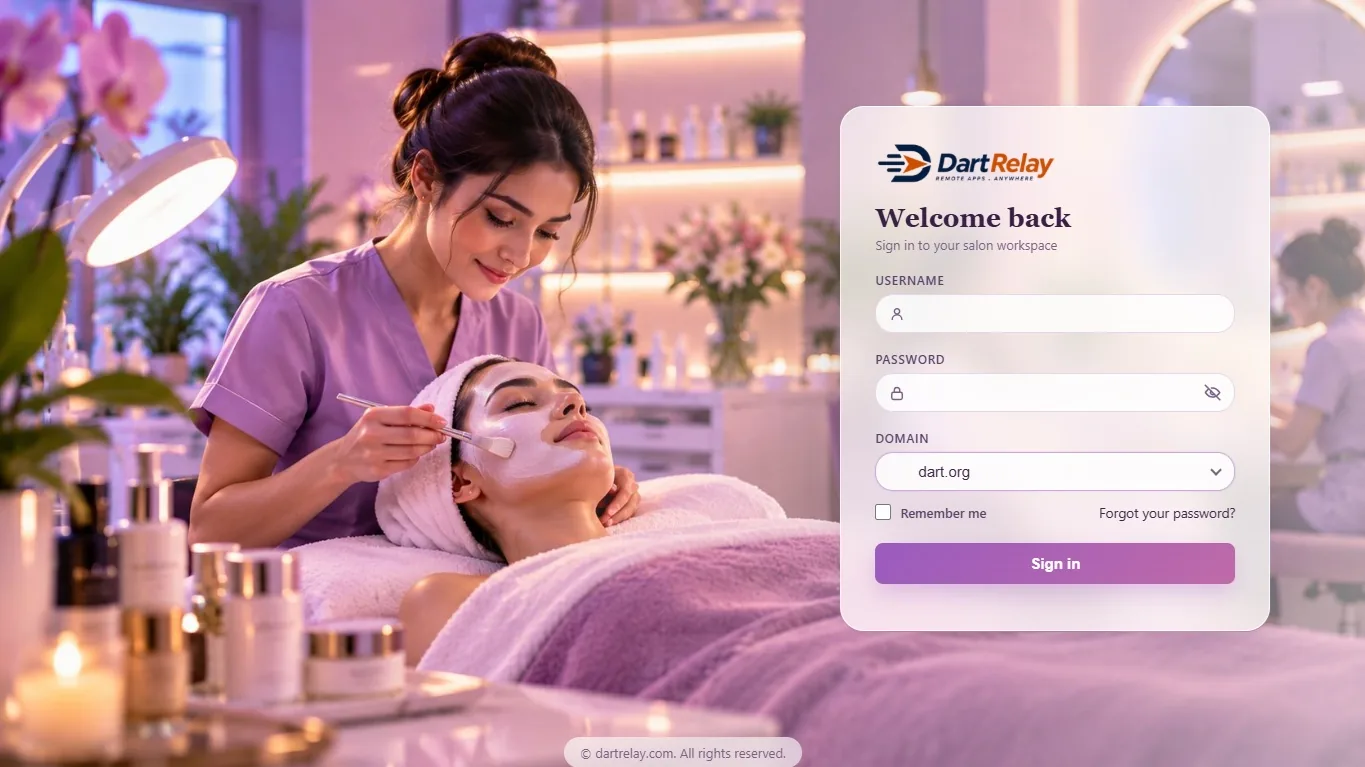
Branding is usually an afterthought in remote access products: upload a logo, pick a colour, done. Anything more means editing files that the next upgrade overwrites. We know this well, because rebuilding those customizations is how Custom Interface Solutions started.
In DartRelay, branding is part of the product. It ships with a growing library of ready-made themes, a theme editor for colours, logos and layouts, and a block-based page builder for the sign-in and home pages. Your themes are stored in DartRelay, so they survive upgrades. When you want something truly bespoke, our designers can create a custom DartRelay theme that matches your brand exactly.
5. Multi-tenancy built in
Service providers and organisations with several departments normally run a separate deployment for each customer, or settle for one shared portal. DartRelay's Tenancy & Branding lets one installation answer on several web addresses, each with its own brand, its own Relay Seat allowance, its own announcements and its own terms of use. We cover this in detail in Multi-Tenancy and Custom URL Branding with DartRelay.
6. Security that is included, not sold separately
Every DartRelay licence includes:
- Two-factor authentication with recovery codes
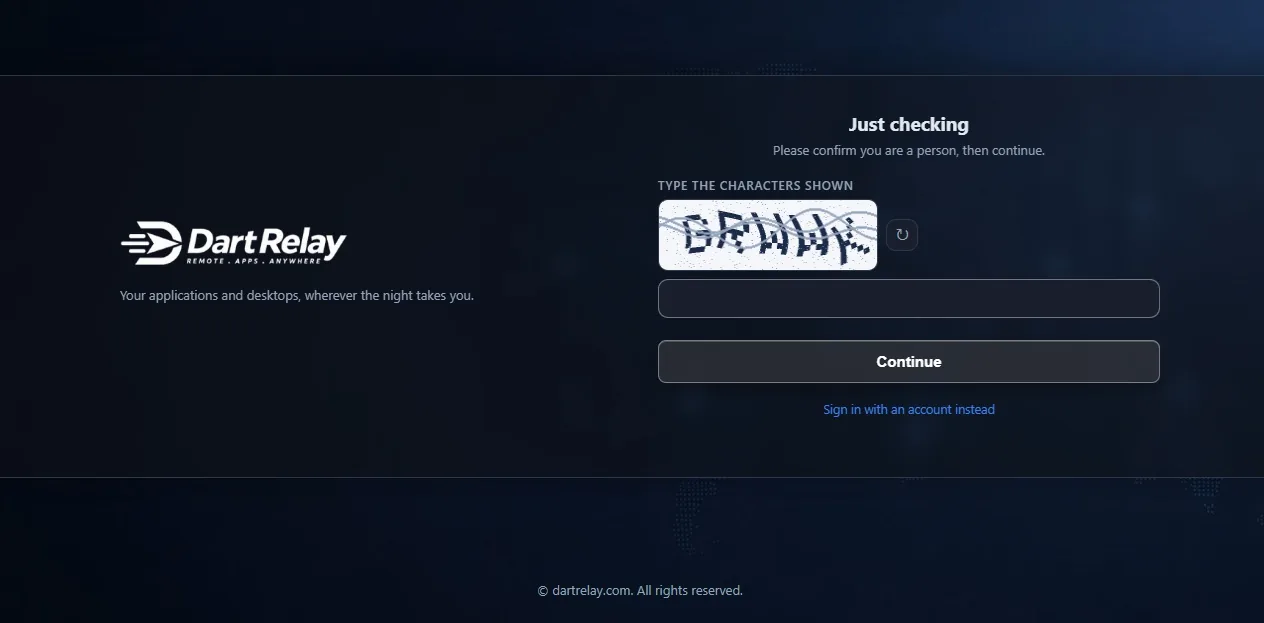
- Picture CAPTCHA and sign-in lockout to stop automated attacks
- Password age and complexity policies
- Session lifetimes and keyboard-based idle timeout
- Administrator roles with fine-grained permissions
- A complete audit log of sign-ins, launches and administrative changes
Windows credentials are handled on the DartRelay server and never sent to the browser. Certificates for your public address can be issued and renewed automatically, so HTTPS never quietly expires.
7. Communicate with your users
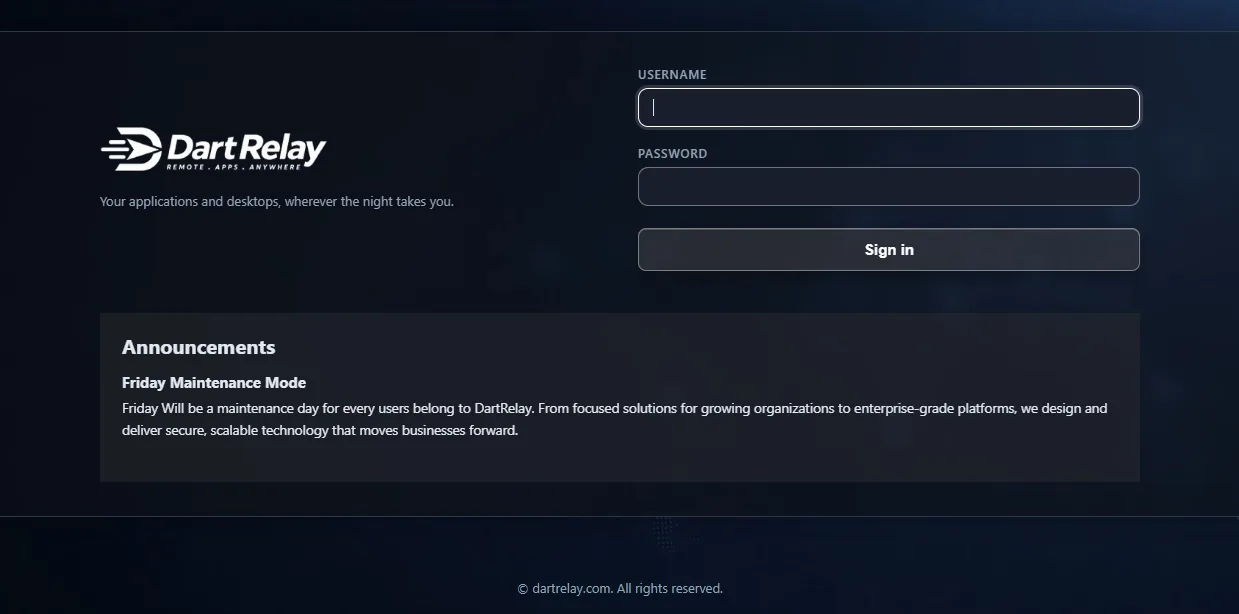
Two features that customers ask us for again and again are built in. Announcements let you show maintenance windows, outages or news on the sign-in screen or inside the portal, aimed at the users who need to see them. Agreements ask users to accept your terms of use or acceptable use policy before they continue, and record that they did.
8. Files and printing that feel local
This is the difference users notice first. In most remote application products, getting a file into a published program means uploading it to a server folder and finding it again from inside the program, and printing means printer drivers and redirection. DartRelay removes both detours.
Your own file browser, natively. When a published program shows its Windows Open or Save As dialog, DartRelay hands it to the browser. Users pick files in their own computer's file browser, and what the program saves arrives in their Downloads. It works with any program that uses the standard Windows dialogs, including legacy applications, with no change to the application. To our knowledge, no other browser-based remote application platform does this today.
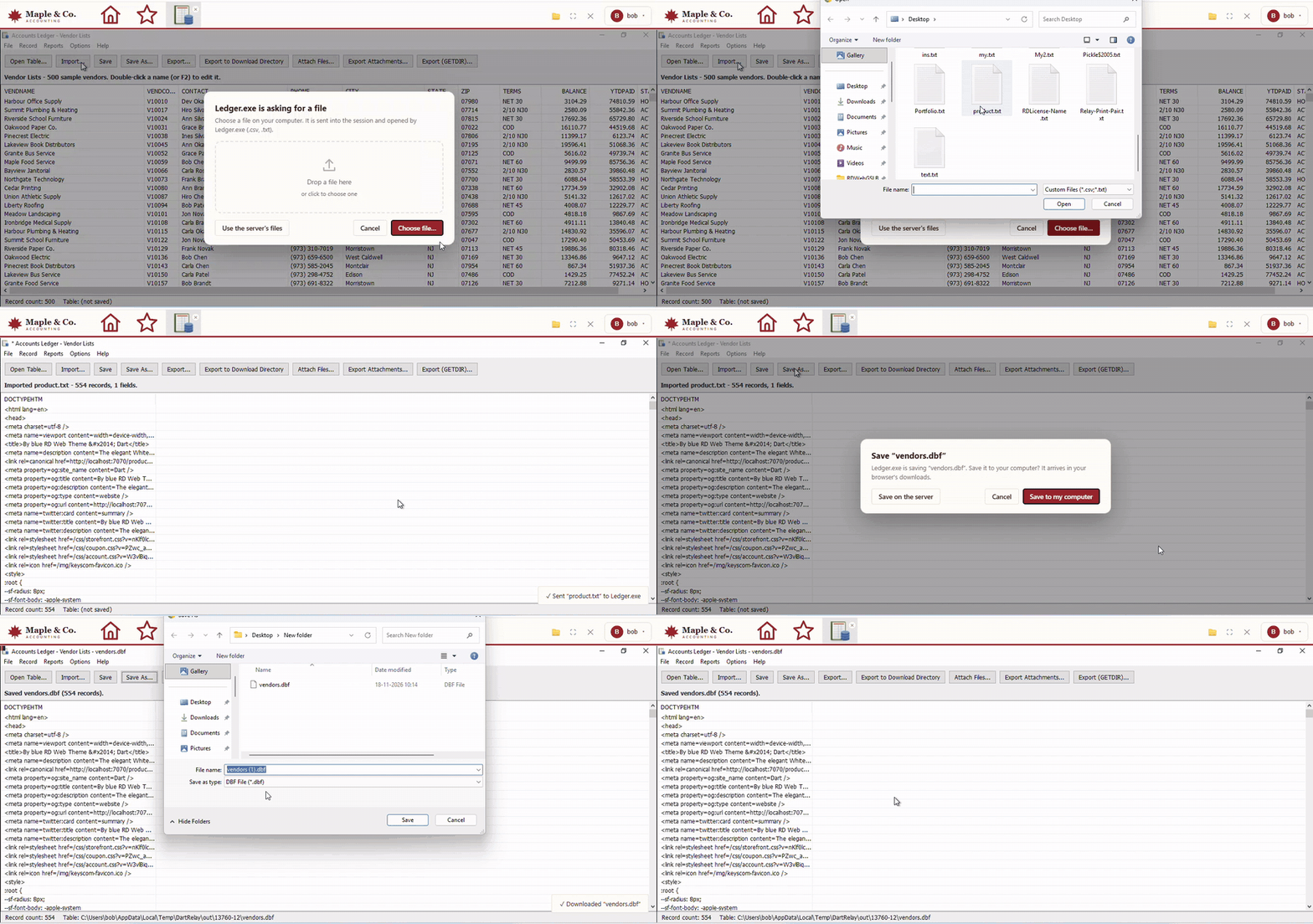
- Several files at once wherever the program allows a multiple selection, such as Attach Files or Import.
- Folder exports, including the old Browse For Folder dialog of Visual FoxPro applications, arrive as one ZIP, as separate files, or with a choice each time, as the administrator decides.
- A session file browser in the toolbar for bulk transfers, with drag and drop and the file actions you allow.
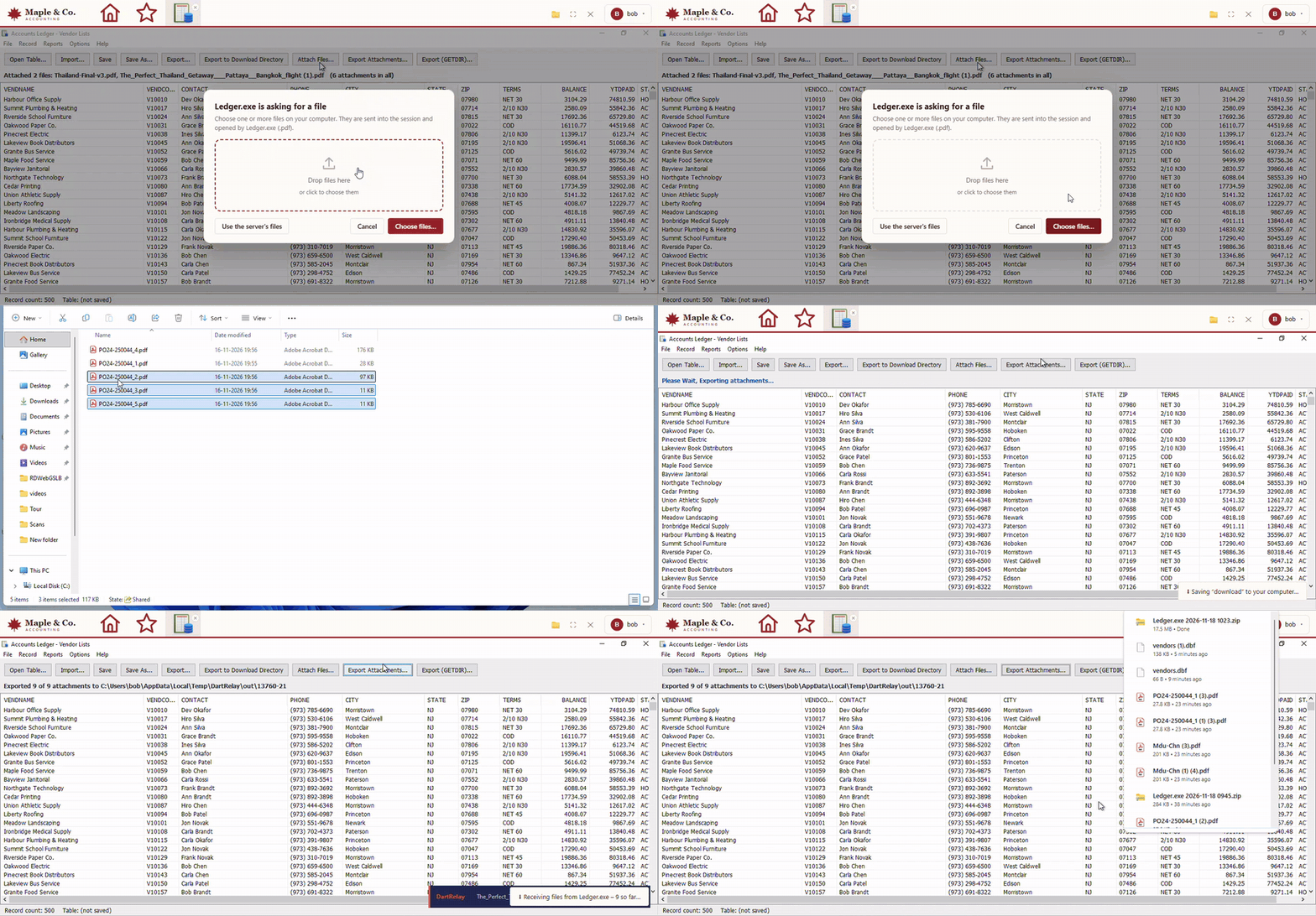
Print to the printer on the desk. A DartRelay virtual printer appears in the session under any name your application expects. Each job comes back to the browser and its own print dialog opens, so users print to any printer their computer can reach, with no printer drivers on your hosts. For receipts and labels all day, the optional DartRelay Print Helper sends jobs straight to the chosen printer with no dialog.
9. Everyday features that just work
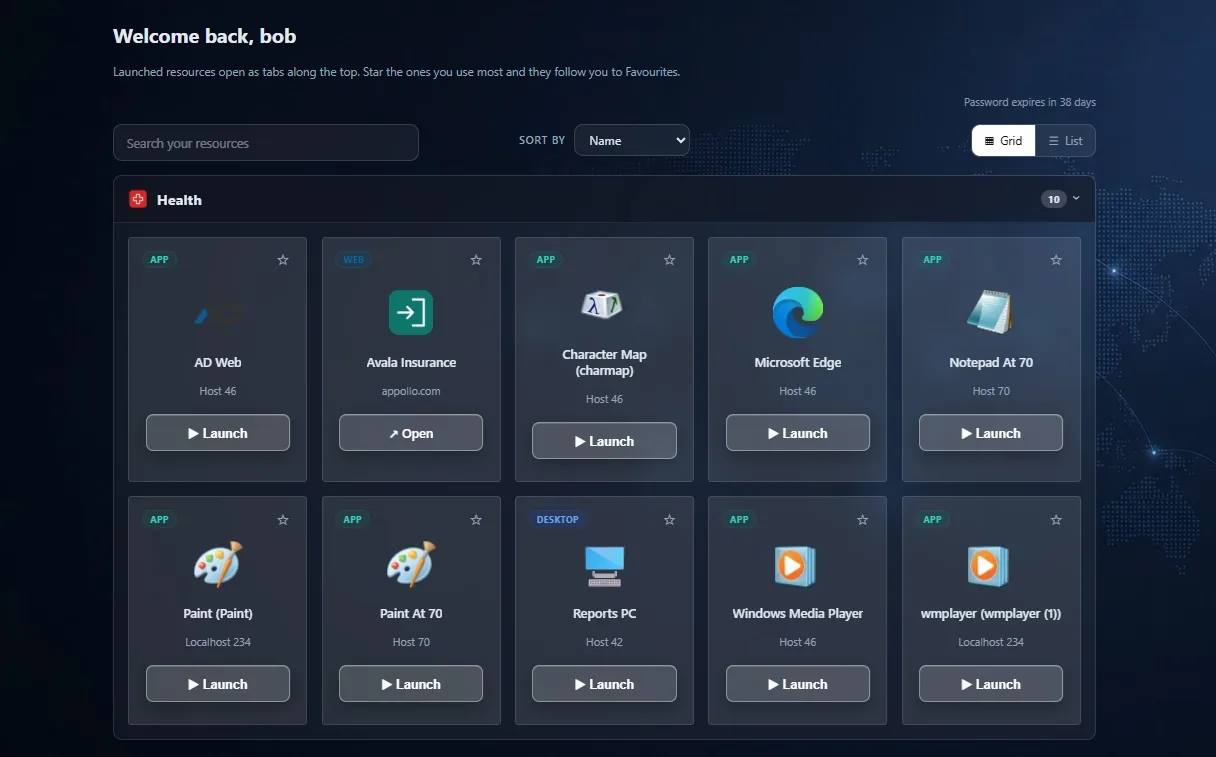
Favourites, search, sorting, categories and folders keep large catalogues tidy. Web applications can be listed beside published Windows applications, automatic launch rules can open the right application the moment a user arrives, and DartRelay supports several portal languages.
10. Pricing that is published and simple
Every DartRelay licence includes every feature, with no editions or add-on packs. At the time of writing, a base licence costs $300 a year and includes 5 Relay Seats, and additional seats are $15 a year each. You can estimate your cost on the DartRelay pricing calculator without filling in a form or waiting for a quote.
11. Backed by the people who built your portals
DartRelay is developed by Dart Innovations, the team behind Custom Interface Solutions. We have been customizing Citrix, Microsoft RD Web, ADFS, Parallels RAS and Thinfinity portals for twenty years. When you call for help, you reach engineers who understand both DartRelay and the environment around it.
Summary
| What matters | How DartRelay handles it |
|---|---|
| Host software | Nothing to install by hand. Agentless over RDP |
| Files | The user's own file browser from Open and Save As, multi-file and folder exports as ZIP |
| Printing | To any local printer through the browser, or directly with the Print Helper |
| Infrastructure | One server on Windows or Linux, plus a database |
| User devices | Any modern browser, no client or VPN |
| Branding | Themes, theme editor and page builder included |
| Multi-tenancy | Separate address, brand, seats, notices and terms per tenant |
| Security | 2FA, CAPTCHA, lockout, policies and audit log included |
| Pricing | Published, with all features in every licence |
See the difference yourself
Install DartRelay next to your current platform, connect it to the hosts you already have and publish an application in minutes. Start the 30-day free trial, try our live DartRelay demos, or ask our engineers for a guided tour.