
TOTP MFA Adapter for ADFS
Add a second factor to ADFS without a new database, a cloud service or a complicated rollout. It installs in minutes and works with the authenticator apps your users already have.
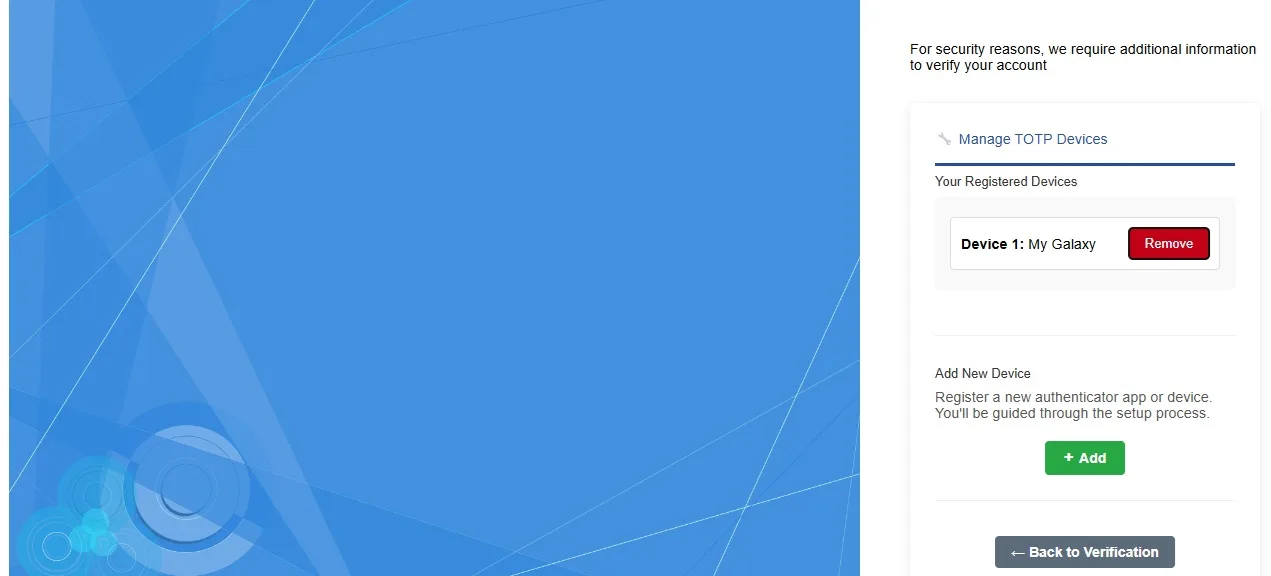
The MFA Adapter is built the way ADFS expects an authentication provider to be built, so it works with standard and custom themes alike. It stores everything in your existing Active Directory: no extra database, software or infrastructure. You can install it yourself in a few minutes, and we can extend it around your own requirements.
Works with any authenticator app
Users register with Google Authenticator, Microsoft Authenticator or any TOTP app or web app, because the adapter follows the standard TOTP pattern.
- Register and remove any number of devices
- Backup codes issued at first registration so users can recover access
- One-time passcodes by email when an app is not available
- Built on the native ADFS adapter architecture
- Works on ADFS 5.0 and later, including custom themes
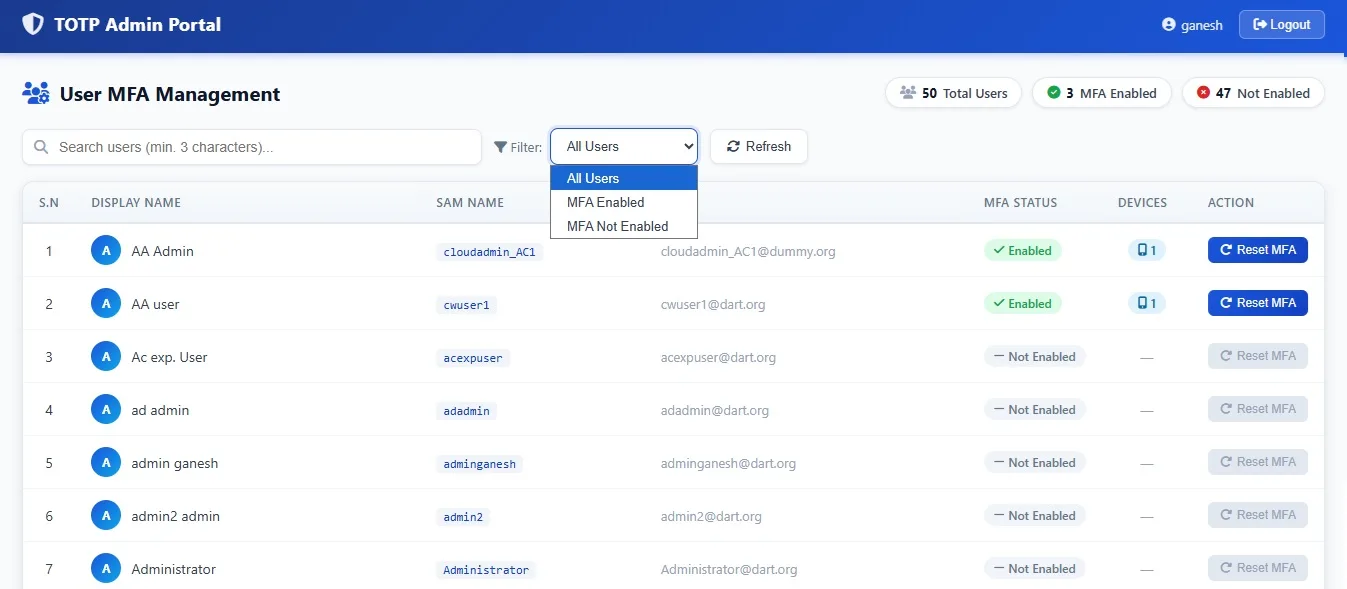
An admin portal that keeps it simple
See who has enrolled and how many devices they use, and reset MFA for a user in one click.
- Dashboard showing how many users have MFA enabled
- Filter enrolled and not-enrolled users in seconds
- Reset MFA when a user loses their device
Recent Microsoft ADFS projects
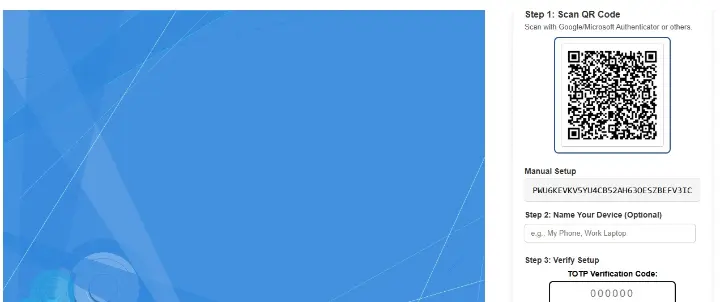
TOTP MFA Adapter for ADFS
Custom TOTP MFA Adapter for 2nd factor Authentication
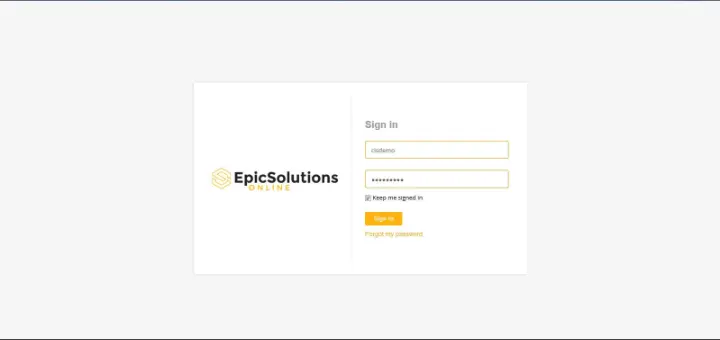
Epic Solutions – Active Directory Federation Services Customization
Custom Branded ADFS Page Customization
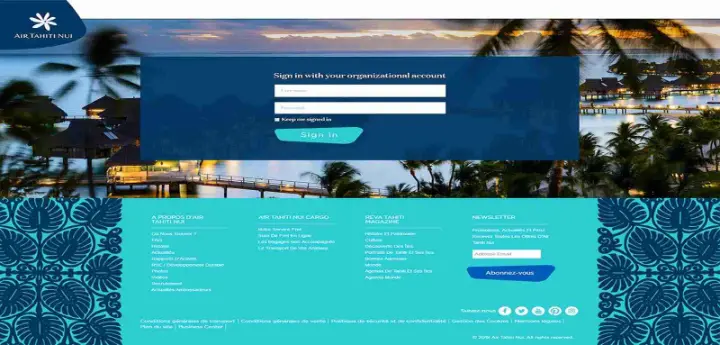
Air Tahiti Nui – ADFS 4.0
Custom ADFS Branding and Features

Active Directory Federation Services 5.0
Custom ADFS logon page customization
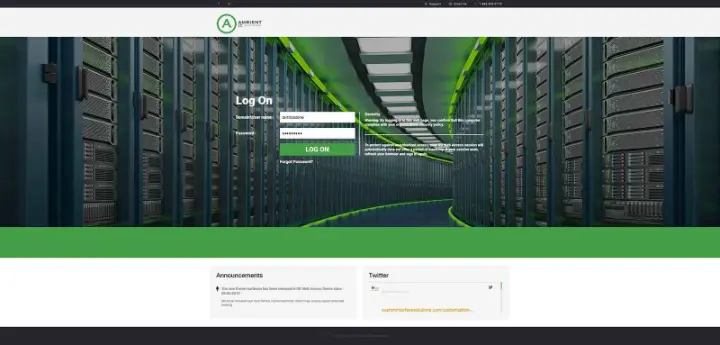
Ambient IT Solutions – RDWeb 2019 and ADFS 5.0
Custom RD Web Access and ADFS Branding with Custom Features
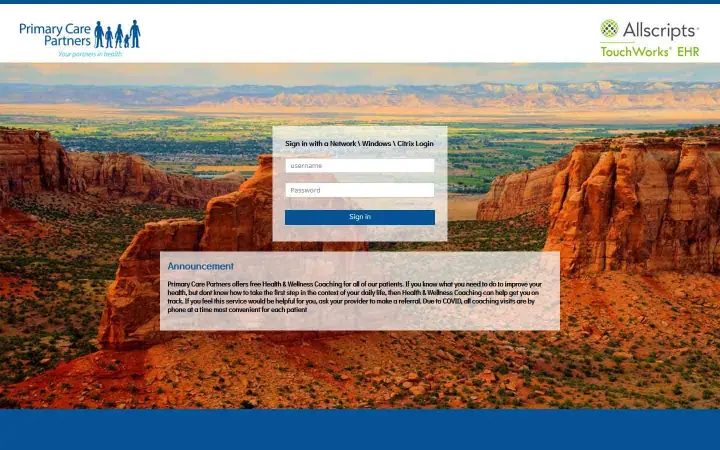
Primary Care – MS ADFS 4.0 Logon page
MS Active Directory Federation Service Logon page customization
What your package includes
Installation guide
A step-by-step guide to install and activate the adapter.
Installation support
We help you install it over a remote session and walk you through using it.
Lifetime updates
Your purchase includes all future updates and patches.
Looking to customize MFA Adapter for ADFS?
Tell us which portal you use and what you would like to change. We reply within one business day with ideas and a quote.